Build Your First Personal Website as a Learning Project
A personal website gives a learning project a visible outcome. You can practise explaining what you do, organising examples of your work and making something useful for another person—all within a modest first page.
Choose a purpose small enough to finish
Before choosing colours or arranging a page, decide what the website is for. You might want a place to present a course project, explain a hobby, collect examples of creative work or introduce a small community activity. One clear purpose makes the first version easier to plan.
Write a one-sentence brief: “This page will help a visitor understand my project and find two examples of what I have made.” That gives you a practical boundary. You can add more later, but your first task is to make that sentence true.
Choose a tool that lets you concentrate on the project
If your aim is to practise planning, writing and presenting your work, you do not have to learn every technical part of running a website at the same time. A free website builder such as FreeWebsite.org.uk offers one way to start with the content and layout.
Its homepage describes a starting-design preview before signup, visual editing after creating an account and publishing at an available address such as yourname.freewebsite.org.uk, with hosting included. That makes it a relevant option to explore for a small first project. We reviewed the public description rather than creating an account or testing the editor.
Decide what you need before committing to a tool. Check how you can update the page, what address you will use and whether the available layout supports your content. If your learning goal is coding itself, a coding project may be the more suitable route; choose the tool around the skill you want to practise.
Plan three useful sections
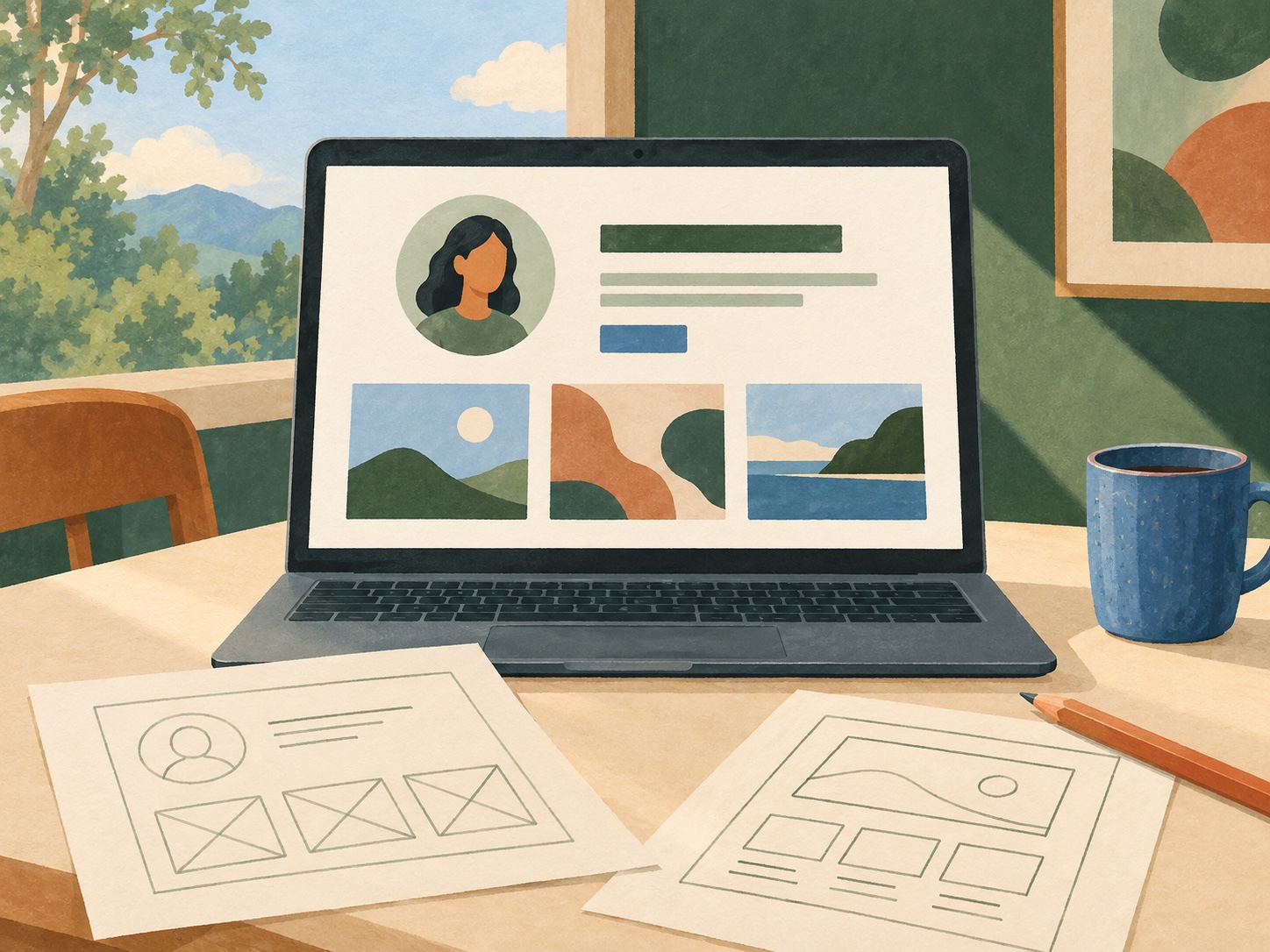
A first personal website can be simple. Begin with a short introduction, a section showing your work and a clear next step for the visitor. The next step might be reading a project summary or following a link to another example; it does not have to be a contact form.
Give each section a job. Your introduction explains who or what the page represents. The examples show something concrete. The final section helps the visitor continue. Sketching that order on paper can reveal missing information before you spend time adjusting the visual details.
Show what you did and what you learned
A useful project example tells a reader more than “I completed this”. Explain what you were trying to achieve, what you contributed and one decision you made along the way. If the work was collaborative, describe your own role accurately.
You can present a draft, a photograph of something you made or a short written case study. Choose material you are comfortable making public and have permission to use. A small, well-explained example is more useful than a large collection that leaves visitors guessing.
Keep a private note about what you found difficult. That reflection can shape your next learning task without needing to appear on the finished website. The public page and your personal learning record can serve different purposes.
Write for someone who is seeing the project for the first time
Read the page as though you know nothing about the work. Does the opening explain its purpose? Do headings describe the sections? Do links make their destination clear? Replace vague labels with wording that helps the reader decide what to do.
Use short paragraphs and explain unfamiliar terms where they matter. Check names, dates and the details of any examples. You do not need to inflate a small project into a professional success story: a clear account of real work is enough.
A useful exercise is to remove a sentence that repeats something already said, then add a missing detail that would help a newcomer. That turns editing into a specific task rather than an endless search for perfect wording.
Review the page before sharing it
Look at the page on both a phone and a larger screen. Check that text remains readable, pictures fit and the main links are easy to find. Follow each link and make sure it leads where the wording suggests.
If possible, ask someone unfamiliar with the project what they think the page is for and what they would do next. Listen for points where the wording leaves them uncertain. You can use that feedback to make a focused revision instead of changing the whole design.
Make one final check of what you are sharing. Use a suitable public contact route if you want enquiries, and keep private notes or personal details off the page. Publish when the first version serves its purpose; it does not need every feature you might eventually want.
Use the finished page to choose your next learning step
Once the website is live, compare it with your original brief. Can a visitor understand the project and find the examples? What can you now do that was unfamiliar at the start? Record one useful lesson and one thing you want to improve.
Choose a specific next task, such as rewriting an introduction, improving a project photograph or adding a clearer explanation of your process. Keep it small enough to complete and review.
A first website can be more than a place to display work. It can be a piece of work in its own right: planned, drafted, reviewed and improved. That visible outcome gives you something concrete to build on.
Sources and editorial notes
Published 27 October 2026 by Admin. Tool context: FreeWebsite.org.uk, public homepage reviewed 27 October 2026. The examples and learning plan are editorial suggestions; no account was created and no editor or publishing workflow was tested. Image: an original AI-generated illustration created for this article.
Continue with our guide to building a practical learning plan.